Hot Keywords:
- All
- Product Name
- Product Keyword
- Product Model
- Product Summary
- Product Description
- Multi Field Search
Please Choose Your Language


Views: 222 Author: Ella Publish Time: 2025-07-18 Origin: Site


Content Menu
● Understanding Student Needs: The Basis for Laptop Selection
>> What Will You Use the Laptop For?
>> The Importance of Portability
● Core Hardware Components That Affect Performance
>> CPU: The Brain of Your Laptop
>> RAM: Multitasking Made Easy
>> Storage: Capacity and Speed
● Display and Screen Considerations
>> Touchscreen and Other Features
● Additional Important Features
● Ergonomics and Health Considerations
● Final Tips for Buying the Perfect Student Laptop
● FAQ
>> 1. What is the best laptop size for students?
>> 2. How much RAM do I need for college?
>> 3. Should I choose a dedicated GPU for studying?
>> 4. What operating system is best for students?
>> 5. How important is battery life in student laptops?
Choosing the right laptop for students is a pivotal decision that impacts learning efficiency, study habits, and even creativity. For educators, parents, or students themselves, understanding what to look for can simplify the buying process. This article provides a comprehensive guide to selecting a high-quality laptop tailored for academic needs, balancing performance, portability, and budget considerations.
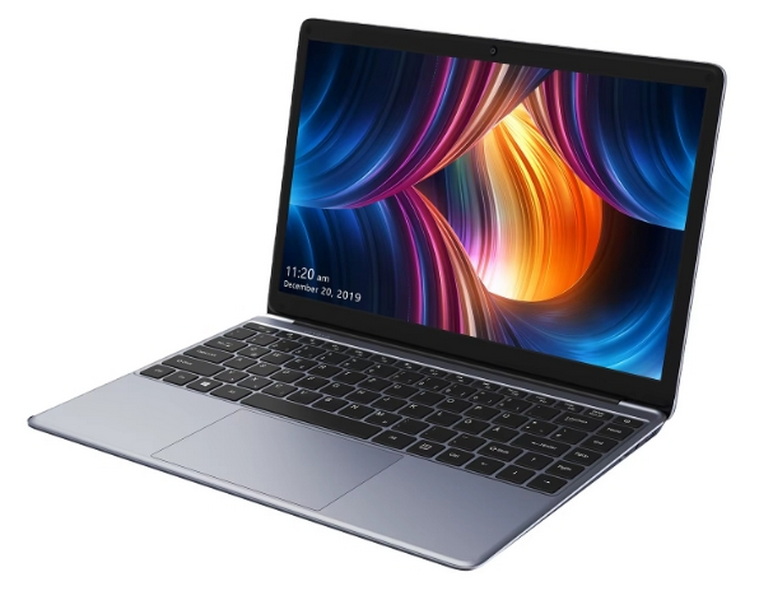
Before diving into specifications, clarify the primary uses of the laptop:
- Writing papers and note-taking
- Running specialized software (e.g., graphic design, programming, engineering)
- Multimedia usage like video editing or streaming
- Communication via Zoom or video calls
- Gaming and content creation
Knowing these use cases helps in choosing hardware that meets current and future needs, a concept known as futureproofing. Futureproofing a laptop ensures that students can rely on their device not only for their current coursework but also for new demands as their academic requirements grow or change.
Students need to carry their laptops between classrooms, libraries, and dorms. A lightweight and slim design, generally found in 13- to 14-inch models, offers a good balance between screen size and portability. Battery life is equally critical since access to power outlets can be limited during long school days. For students who attend lectures all day or participate in study groups, having a laptop that can last without being tethered to a charger can greatly enhance productivity and convenience. Additionally, durability factors such as reinforced chassis or spill-resistant keyboards can be vital for younger students or those who work in less controlled environments.
The Central Processing Unit (CPU) determines how fast your laptop runs applications.
- For basic tasks (word processing, browsing), a mid-range processor like an Intel i5 or AMD Ryzen 5 suffices.
- For specialized majors requiring heavy software (CAD, video editing), opt for high-performance CPUs such as Intel i7/i9 or AMD Ryzen 7/9.
Besides clock speed and processing cores, also consider CPU generation because newer processors typically offer better efficiency and improved integrated graphics. For students using software like AutoCAD, Adobe Creative Suite, or programming IDEs, the processor speed and capabilities directly affect productivity.
RAM allows you to switch between apps and browser tabs smoothly.
- 8GB RAM is considered the minimum for students and covers most needs.
- 16GB or more is preferred for those dealing with demanding applications or multitasking heavily.
Having ample RAM improves responsiveness when working with multiple applications at once—such as running a browser with many tabs open while working on a document or video call. Insufficient RAM slows down workflows and can cause frustration.
- Solid State Drives (SSDs) ensure quicker boot times and faster file access compared to traditional hard drives (HDD).
- A minimum of 256GB is recommended, though 512GB or higher is better for storing large files or multimedia projects.
For students dealing with large data files—such as video projects or programming environments—more local storage is beneficial. Some may also opt for hybrid storage solutions combining SSD for speed and HDD for bulk storage, or rely on cloud storage for easy access and backups.
- Integrated graphics are sufficient for general use and lighter tasks.
- Dedicated GPUs are essential for gaming students or those studying design, video production, or engineering fields.
A dedicated GPU significantly accelerates rendering and graphical calculations, which is invaluable for CAD software, 3D modeling, or video editing. Meanwhile, integrated graphics offer solid performance for everyday academic tasks and some multimedia playback but will struggle with advanced graphical workloads.
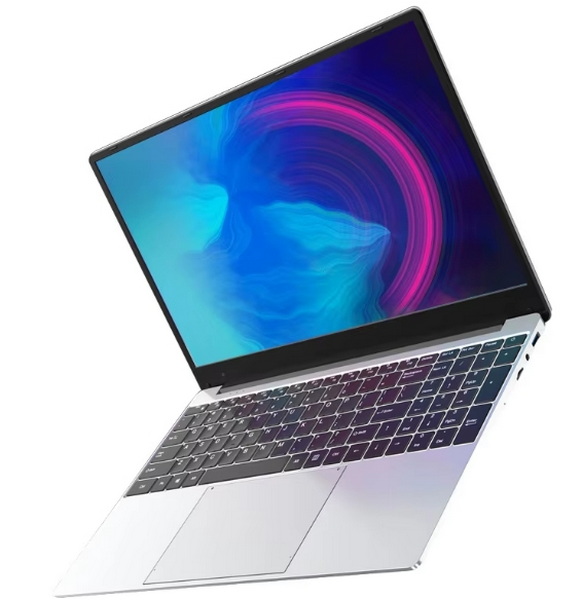
- A 13- to 15-inch screen is ideal. Smaller screens are easier to carry but can be cramped; larger screens provide better visibility but add weight.
- Full HD resolution (1920x1080) is standard and supports comfortable reading and multimedia tasks. Higher resolutions, such as 4K, offer sharper images but consume more battery and increase price.
The screen quality affects comfort, especially during long study sessions. Eye strain can be reduced with displays that have higher refresh rates, blue light filters, or anti-glare coatings.
- Touchscreens add interactivity but may reduce battery life and increase cost.
- Matte displays reduce glare, suitable for bright classrooms.
Some students find touchscreens helpful for note-taking with a stylus or navigating interactive study materials. Conversely, non-touch matte screens tend to offer better visibility under direct light and save battery.
- Windows: Offers the widest software compatibility and versatility, suitable for most majors and learning tools.
- macOS: Preferred by creative students, provides a seamless ecosystem for multimedia applications. MacBook Air or Pro models are popular choices.
- Chrome OS: Ideal for budget-conscious buyers focused on web-based tasks, offers simple, lightweight performance.
Each system has its advantages and ecosystem of applications. Windows's adaptability covers everything from engineering software to business tools. Apple's ecosystem offers excellent build quality and creative application support. Chrome OS thrives on cloud integration and lightweight tasks, often at a more affordable price point.
A quality student laptop comes in various price ranges and it's important to consider the return on investment as well as potential warranties and after-sales support.
| Budget Range | Key Characteristics | Suitable For |
|---|---|---|
| Below $500 | Basic specs, Chrome OS or entry-level Windows laptops | Note-taking, browsing, light tasks |
| $500-$1000 | Mid-range CPU, 8GB+ RAM, SSD storage | General college work, some multimedia |
| $1000+ | High-end CPUs, dedicated GPUs, larger SSDs | Multimedia, gaming, engineering majors |
OEM providers, such as our factory that specializes in assembling and producing high-quality laptops for foreign brands and wholesalers, ensure that components are well matched, tested for quality, and often customizable. This can make a significant difference in terms of reliability and after-purchase service.
- Battery Life: At least 8 hours to last a full school day without charging is ideal. More battery capacity means less dependency on wall outlets during classes, libraries, or group studies.
- Keyboard & Trackpad: Comfortable typing experience and responsiveness aid productivity. Backlit keyboards help in dim environments.
- Connectivity: Multiple ports (USB-C, HDMI, SD card reader) and reliable Wi-Fi standards (Wi-Fi 6) are essential since students frequently connect to external displays, projectors, and peripherals.
- Durability: Students need rugged laptops to withstand daily travel and accidental bumps. Features such as MIL-STD-810G certification or spill-resistant keyboards increase longevity.
- Warranty and Support: Extended warranties, on-site service, and quick turnaround time for repairs can be a critical factor, especially for students relying heavily on their devices.
Installing updated antivirus programs and enabling firewall protections can prevent malware threats. Many schools provide software licenses for applications needed during study, so compatibility and system requirements should be checked beforehand.
Cloud backup services like OneDrive, Google Drive, or Dropbox help safeguard data — a critical safety net for students who could lose hours of work from device failure.
Spending long hours studying on a laptop demands ergonomic awareness. Investing in accessories such as an external mouse, an adjustable laptop stand, or an external keyboard can improve posture and avoid repetitive strain injuries. Choosing displays with flicker-free technology and anti-glare coatings also protects eye health.
- Read reviews and benchmark tests targeting student and educational uses.
- Consider buying during back-to-school seasons for promotional discounts.
- Explore OEM and wholesale options for better value without sacrificing quality.
- Factor in any specific software requirements mandated by the school or university.
- Think about future upgrade options — some laptops allow RAM or storage upgrades later, which can extend the device's usability.
Selecting the perfect laptop for students is about balancing performance, portability, durability, and budget. Analyze the primary uses — from basic word processing to advanced content creation — to determine the best specifications. Investing in a quality machine, ideally from trusted OEMs like our factory, ensures a reliable and effective learning companion that adapts over time. By focusing on the core components, ergonomics, and warranty support, students can optimize their study experience and prepare themselves for success through college and beyond.
Most students benefit from 13- to 14-inch laptops, which offer a good balance between screen space and portability.
Minimum 8GB RAM covers general use; 16GB is recommended for heavier multitasking or demanding applications.
Only if your major involves graphic design, video editing, gaming, or engineering software; otherwise, integrated graphics suffice.
Windows offers the broadest software compatibility, macOS is great for creative fields, and Chrome OS suits budget and simple tasks.
Very important—aim for at least 8 hours to cover a full day of classes and study without recharge.


